Physical Cybersecurity Convergence: Why IT and Physical Security Must Unite
By Aoife O'Connell • 21st Jan

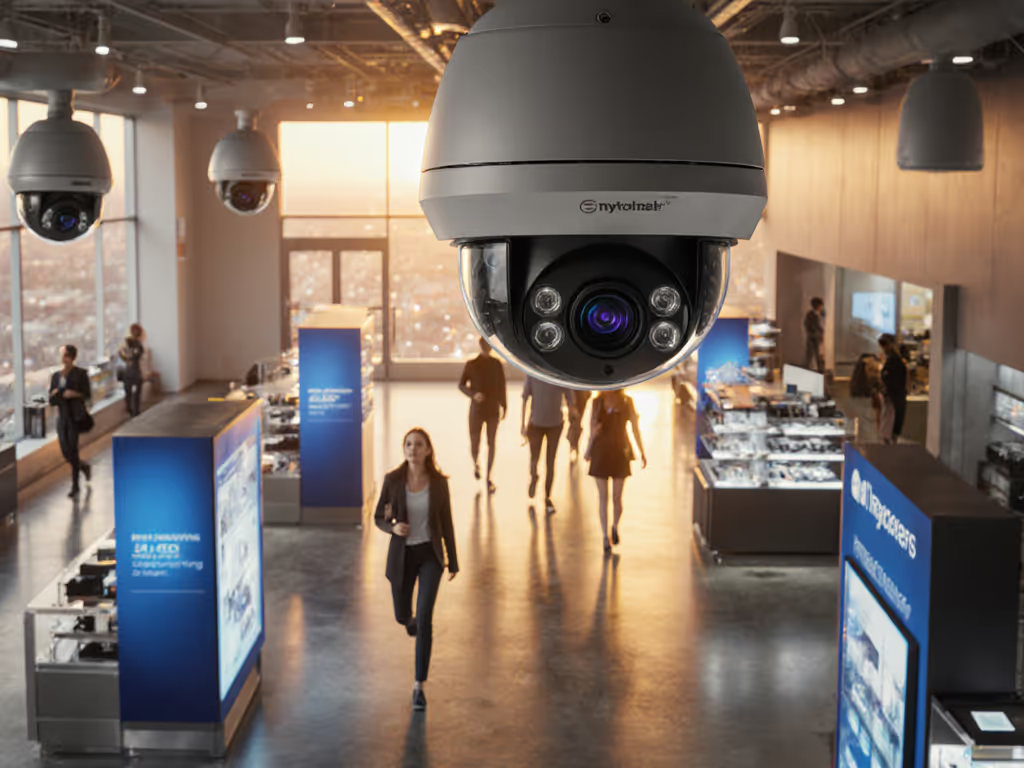
Let's cut through the noise: your wobbly driveway camera isn't just missing porch pirates. It's creating a cyber vulnerability. Physical cybersecurity convergence closes this gap by merging digital and physical defenses into integrated security protocols that actually work. When a shaky mount knocks Wi-Fi offline or glare blinds your night vision, you're not just dealing with a camera flaw. You're facing a systemic security failure. In my 15 years fixing unreliable systems, I've seen this truth repeatedly: solid mounts and clean power beat fancy features every time. Here's why homeowners and small businesses need to unite these worlds (and how to do it without panic or patchwork fixes).
Why does physical cybersecurity convergence matter for homeowners?
Most people treat security like separate silos: cameras in one corner, Wi-Fi routers in another. But reality isn't that tidy. A 2023 industry report confirmed 68% of home security breaches start with physical vulnerabilities, like a loose mount letting wind shake cameras offline during critical moments. When that happens, your cyber defenses (like cloud alerts or AI detection) collapse because the physical layer failed first. Physical cybersecurity convergence means designing systems where camera placement, network stability, and alert tuning work as one unit. For instance, hardwiring a camera via PoE isn't just about reliability (it prevents the Wi-Fi dropouts that cause missed notifications). This isn't theoretical; I once fixed a family's 'useless' driveway camera by addressing three linked failures: a vibrating mount, IR reflection off a white garage door, and spotty Wi-Fi. Converged thinking transformed missed alerts into license plate captures at 2 AM.
How does camera placement create cyber risks?
Your camera's angle isn't just an optics issue, it's a cyber-physical security linchpin. Consider these real-world failure modes:
- Glare and IR reflection: A camera aimed at a white wall mirrors its own night vision, blinding it to intruders (while still triggering false alerts from moths). This creates useless data floods that mask real threats.
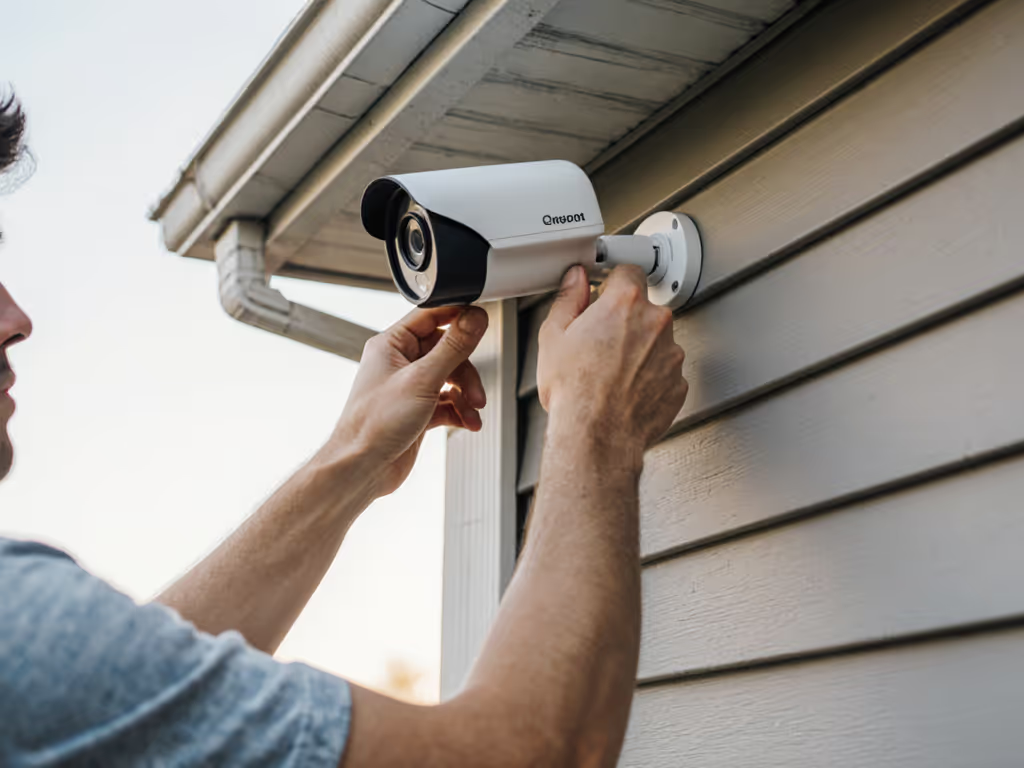
- Unstable mounts: Vibration from wind or doors causes micro-interruptions in power/data flow. PoE systems tolerate this better than Wi-Fi, but only if mounts are rock-solid.
- Backlighting traps: Porch lights behind subjects turn intruders into silhouettes. Without proper zone tuning, your AI can't distinguish people from shadows, flooding your phone with false "person" alerts.
These aren't just "camera problems." They're security device hardening gaps. A system that generates 50 false alerts nightly trains you to ignore all notifications, even genuine threats. Convergence forces you to treat placement like code: if it's not reliable, the whole system fails.
Why PoE wiring is non-negotiable for reliable security
Let's address the elephant in the room: why I'm stubborn about wired backhaul. Battery cams and Wi-Fi promise simplicity but create convergence fractures. Not sure which backbone to choose? See our wired vs wireless comparison. Every time your Wi-Fi stutters (from microwave interference or too many devices), your cyber security layer goes blind. Integrated security protocols require unwavering data flow. That's where PoE shines:
- Stable power delivery: No more dead batteries in winter storms. PoE injectors provide clean, consistent voltage (critical for preventing IR flicker or recording gaps).
- Network resilience: Unlike Wi-Fi, PoE isn't disrupted by neighboring routers or Bluetooth devices. One less failure point in your chain.
- Simplified hardening: Fewer wireless signals = fewer attack vectors. Security teams obsess over encrypting data, but neglect that unstable power causes more real-world breaches than hackers.
Wire it once, keep it quiet.
This isn't about tech snobbery. It's about converged security teams thinking like electricians: if the foundation wobbles, the castle falls. I've watched clients spend $500 on "AI super-cams" only to miss package thieves because their Wi-Fi choked on a video call. PoE costs slightly more upfront but eliminates chronic reliability taxes, like subscription fees for cloud storage you'd need after constant disconnects. For cyber hardening steps, see our camera hacking prevention guide.
What's the #1 mistake homeowners make with IP camera security?
Skipping tuned zones (and it's why your alerts are noise). Most people set generic motion zones covering entire yards. The result? False alerts from trees, headlights, or pets drowning out real threats. But here's the convergence twist: bad zones aren't just annoying, they weaken your cyber defenses. When your system constantly flags false positives, you delay responding to genuine breaches (or disable alerts entirely). Worse, cloud-based AI gets "trained" on junk data, making detection worse over time. For step-by-step tuning, use our motion detection calibration guide.
Fix this with a 3-step field test:
- Map interference zones: At night, stand where intruders would approach. Note where glare hits (e.g., porch lights) or IR reflects (white walls). Avoid these in your detection zone.
- Shrink your box: Draw a tight rectangle covering only entry points (e.g., driveway gate, front steps). Exclude streets or yards where animals roam.
- Test with movement: Walk through the zone at different speeds. Adjust sensitivity until pets under 20 lbs don't trip it, but people do.
This isn't tweaking settings. It's security device hardening through physical-world calibration. One client cut false alerts by 89% just by angling their camera 15 degrees away from a reflective mailbox. No new hardware, just convergence thinking.
Actionable next step: Your 20-minute convergence audit
Convergence isn't about overhauling your system. Start where failures happen: For an ongoing plan, follow our seasonal camera maintenance guide.
- Check mounts: Shake every camera firmly. If it moves, tighten screws and add a rubber wedge (like a furniture pad) between mount and surface. Vibration kills reliability.
- Trace cables: Follow PoE/Wi-Fi paths. Replace any cable dangling near AC units or metal roofs (EM interference causes dropouts). For Wi-Fi cams, move the router closer or add a mesh node before expanding coverage.
- Audit one alert: Pick a recent "missed" event. Was it a power glitch? Bad angle? Wi-Fi drop? Document the physical cause (it's likely your weakest link).
This isn't fear-mongering. It's reliability engineering. When you wire it once and keep it quiet, your system earns your trust, which means you'll actually respond when it matters. I've seen skeptical homeowners go from ignoring alerts to catching thieves because their cameras stopped lying to them. That's the power of physical cybersecurity convergence: turning noisy gadgets into crystal-clear evidence machines.
Wire it once, keep it quiet. Then sleep knowing it works.
Related Articles